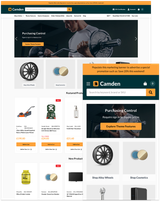


Built for B2B ordering
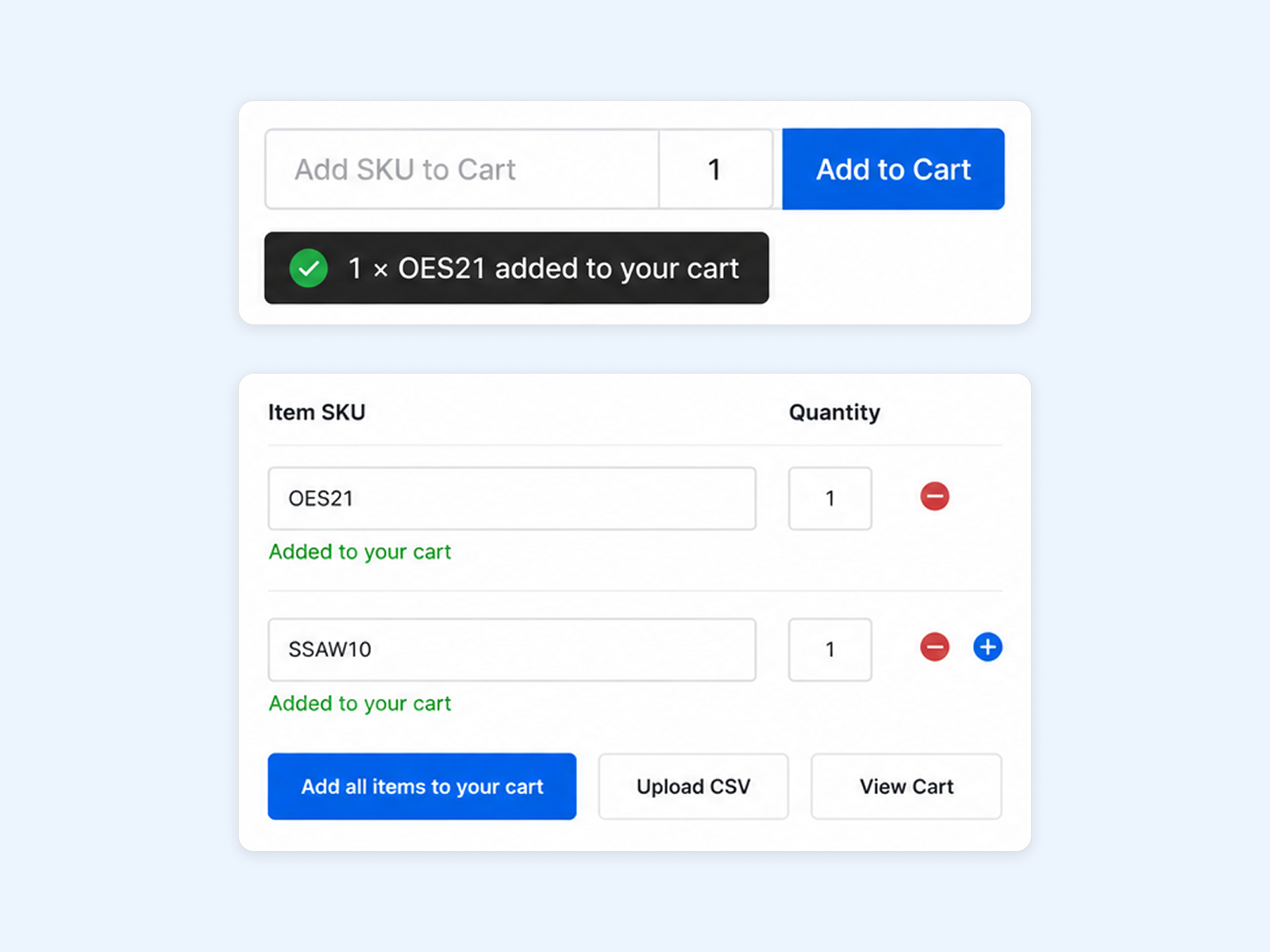
Quickly manage repeat purchases with Quick Add by SKU, multiple SKU ordering, shopping lists, customer restrictions and minimum order values.
Designed for large catalogues
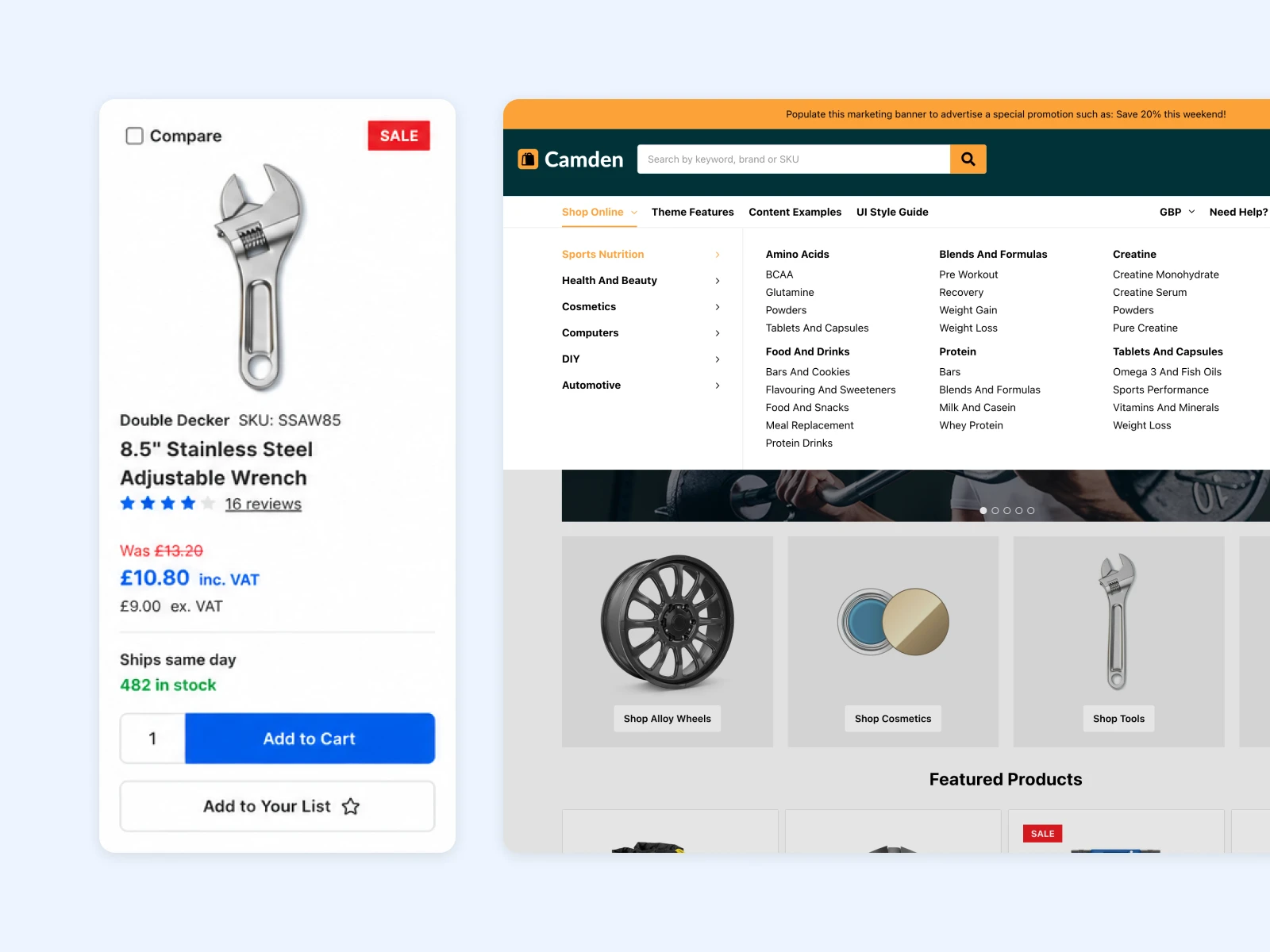
Help customers find products faster with contextual navigation, mega menus, product filtering, flexible listing views and advanced product cards.
Optimised for product purchasing
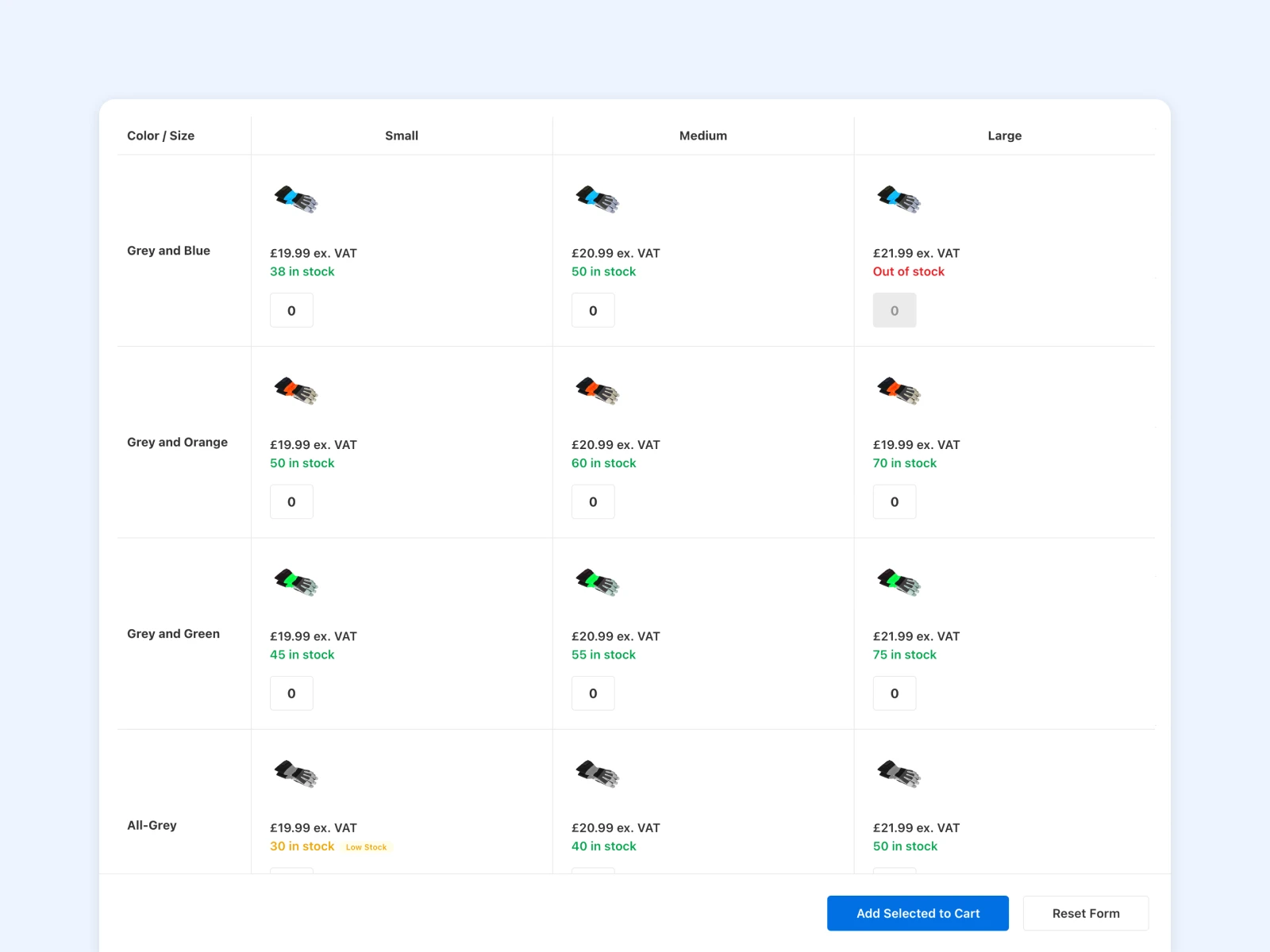
Give customers the information they need before ordering with stock visibility, quick ordering features, product option grids and enhanced product pages.
A B2B ecommerce theme for large catalogues
Camden is a BigCommerce theme designed for B2B stores, wholesalers and businesses with large product catalogues. It combines fast product discovery with features that make repeat ordering easier, including Quick Add by SKU, multiple SKU ordering, shopping lists, customer group controls and persistent mini cart ordering.
Camden also supports BigCommerce B2B Edition and Enterprise price lists, with features for complex pricing, customer access rules, backorders and large product ranges.
What's included
Theme features
FAQs
B2B commerce
Quick Add by SKU
Persistent element always available in the header. B2B customers can enter known SKUs and quantities to quickly add products to their order.
Add by SKU in the mini cart
Add SKUs and quantities directly from the mini cart, giving customers another quick way to build an order.
Multiple SKU ordering
Designed for B2B sellers with printed catalogues, this feature allows customers to add multiple SKUs and quantities to an order in one go. Stock is checked and out-of-stock items are clearly highlighted.
CSV SKU uploads
Upload multiple SKUs and quantities using a CSV file to quickly build larger orders.
Shopping lists
Customers can create and manage shopping lists to organise products for repeat and future orders.
Add to list from the category page
Customers can add items to any of their shopping lists straight from the category page, making it easier to manage repeat orders.
Access shopping lists in the header
Easy to access and always available, customers can get straight to specific shopping lists from the main navigation.
Save carts to lists
Customers can build an order and save it for later to a shopping list, making it easier to return to regular or repeat orders.
Customer group controls
Control access to features and content based on customer groups, giving B2B stores more control over how different customers use the storefront.
Hide prices from guests
Hide prices from guests and grant access to logged-in customers or customers assigned to a specific group.
Hide the storefront
Disable catalogue content, product search and SKU ordering until a registered customer or customer group signs in.
Minimum order value
Set a minimum order value in the theme options. Checkout is blocked until the order value exceeds the configured limit.
One Click email login
Having a link sent to your email address makes saving passwords a thing of the past.
BigCommerce B2B Edition compatible
Camden works with BigCommerce B2B Edition features for stores that need more advanced customer and purchasing controls.
Enterprise Price Lists compatible
Camden supports BigCommerce Enterprise Price Lists for stores with customer-specific pricing.
Product discovery
Contextual navigation
Help customers navigate large catalogues with navigation that adapts to the category or product area they are browsing.
Standard dropdown menu
Classic, simple dropdown navigation which can be activated on click or hover and easily configured in the theme editor.
Enclosed menus
Enclose all categories within a single dropdown menu if you have multiple featured information links in your main navigation.
Limit top level items
For large catalogues, only display your best-selling categories and hide the others in a “More...” list. Choose how many to display in the theme editor.
Mega menu
Configurable in the theme options to show with or without images, on hover or click.
Product filtering
Help customers narrow down large product ranges using product filters.
Complex search filtering
Give customers more ways to refine search results and find the products they need across large catalogues.
Category navigation
Provide clear ways for customers to browse through large product ranges and move between related categories.
Shopping list view
Switch from content-grid to list view. All items can be added in quantities to the cart straight from the category page, without having to click into the product.
Grid and list views
Let customers switch between grid and list layouts to suit the way they prefer to browse products.
Customer-selectable products per page
Customers can choose how many products to display per page, which is useful when browsing larger product ranges.
Product comparison
Allow customers to compare products side by side to help them choose between similar items.
Product cards
Configurable tax display
Easily change the default platform pricing display without customising the theme code. Choose whether price including or excluding tax takes priority in the listing and whether to hide tax labels.
Expanded product card information
Highlight custom fields, stock and availability on the product cards - key information without the need to visit the product page.
Quick View
Let customers view key product information without leaving the category or search page.
Custom fields
Display useful product information directly on product cards to help customers compare products while browsing.
Add to list
Give customers a quick way to add products to their shopping or favourites lists from product listings.
Quantity selector
Allow customers to choose the quantity they need directly from product listings.
Add to cart from listings
Customers can add products to their cart without opening the product page, helping speed up larger orders.
Short descriptions
Display short product descriptions alongside products to give customers more information while browsing.
Stock and availability
Stock level display
Show stock information on product cards and product pages so customers can see availability before placing an order.
Availability information
Highlight product availability where customers are making their purchasing decision.
Backorder support
Support BigCommerce Backorders so customers can order products that are temporarily out of stock.
Backorder messaging and availability indicators
Show customers when a product is available for backorder and provide clear information about its availability.
Shipping expectation messaging
Set expectations for when backordered products are expected to ship, helping customers make an informed purchase.
Product pages
Buy Now button
Save your customers time by taking them straight to the Checkout page.
Product videos
Add product videos to give customers more information about products before they buy.
Image zoom
Allow customers to inspect product images in more detail.
Product option grid
Present product options in a clear grid to make it easier for customers to select the right variation.
Product reviews
Display product reviews to give customers additional information and confidence when making a purchase.
Related products
Show related products on product pages to help customers find complementary or alternative products.
Ordering and cart
Persistent mini cart
The mini cart can be configured in theme options to always show on product listing pages. Combined with shopping list ordering, this allows your customers to keep easy track of their current order.
Shopping list ordering
Allow customers to add products and quantities directly from category pages, making larger and repeat orders faster to build.
Multiple coupon codes and coupon management
Give customers more flexibility when applying multiple coupon codes to an order and manage available coupons directly within the cart.
Empty Cart Button
Clicking this button clears multiple items at once on the Cart page.
Account payment methods
Give customers access to available payment methods through their account area.
One Page Checkout
Use BigCommerce's streamlined one-page checkout to reduce the number of steps between cart and order.
Conversion boosters
Personalised customer greetings
Welcome notes and personalised lists are visible after your customer logs into the store.
Recently viewed items
Recently viewed items are visible on the homepage, categories and product pages throughout a user session to provide easy access to browsing history.
People viewing this product
Show customers how many other shoppers are viewing a product to highlight current interest.
Recently sold popup
Show recent product sales to highlight products that other customers have purchased.
Cart countdown timer
Create urgency in the cart with a countdown timer that encourages customers to complete their purchase.
Featured promotion callouts
Highlight promotions on product listings and product pages to make offers easier for customers to find.
Homepage
Storyboard mode
Eliminate banner blindness and increase conversions by removing the carousel and replacing it with static hero banners.
Featured Categories
Feature specific categories on the homepage with eye-catching banners; these can be redirected to existing product categories.
Featured products
Highlight selected products on the homepage to bring key products or ranges to the attention of customers.
Best sellers
Show your best-selling products on the homepage to help customers discover popular products.
New products
Highlight new products on the homepage to help customers discover recent additions to your catalogue.
Recently viewed products
Give returning customers quick access to products they have already viewed during their session.
Featured news articles
Feature your company news on the homepage using the built-in blog functionality.
Blog content
Add blog content to the homepage to help customers discover useful information, news and updates.
Account bar on the homepage
Frequently used account actions appear under the hero content after a customer signs in.
Login box on the homepage
A login box can be shown on the homepage. Once a customer signs in, this disappears.
Store customisation
SVG logo support
Easily add scalable vector logos to your store through the theme editor and WebDAV.
Access to all of Google Fonts
Any Google Font can be used without customising the theme. Any font can be added with a simple string in the theme editor.
Page Builder regions
Use BigCommerce Page Builder to add and manage content in flexible areas of the storefront.
Custom CSS support
Add custom CSS to make design changes without editing the main theme files.
Optimised checkout styling
The theme includes styling designed to work with the BigCommerce checkout experience.
Payment button controls
Control the display of available payment buttons through the theme settings.
Fully responsive
The storefront adapts to different screen sizes, providing a consistent experience across desktop, tablet and mobile.
Styles included
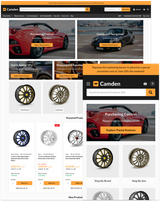
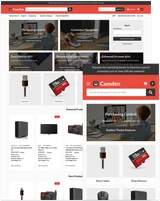
Four ready-made designs:

Hardware

Catalog

B2B

Marketplace
Stores using this theme
See how other stores use Camden.
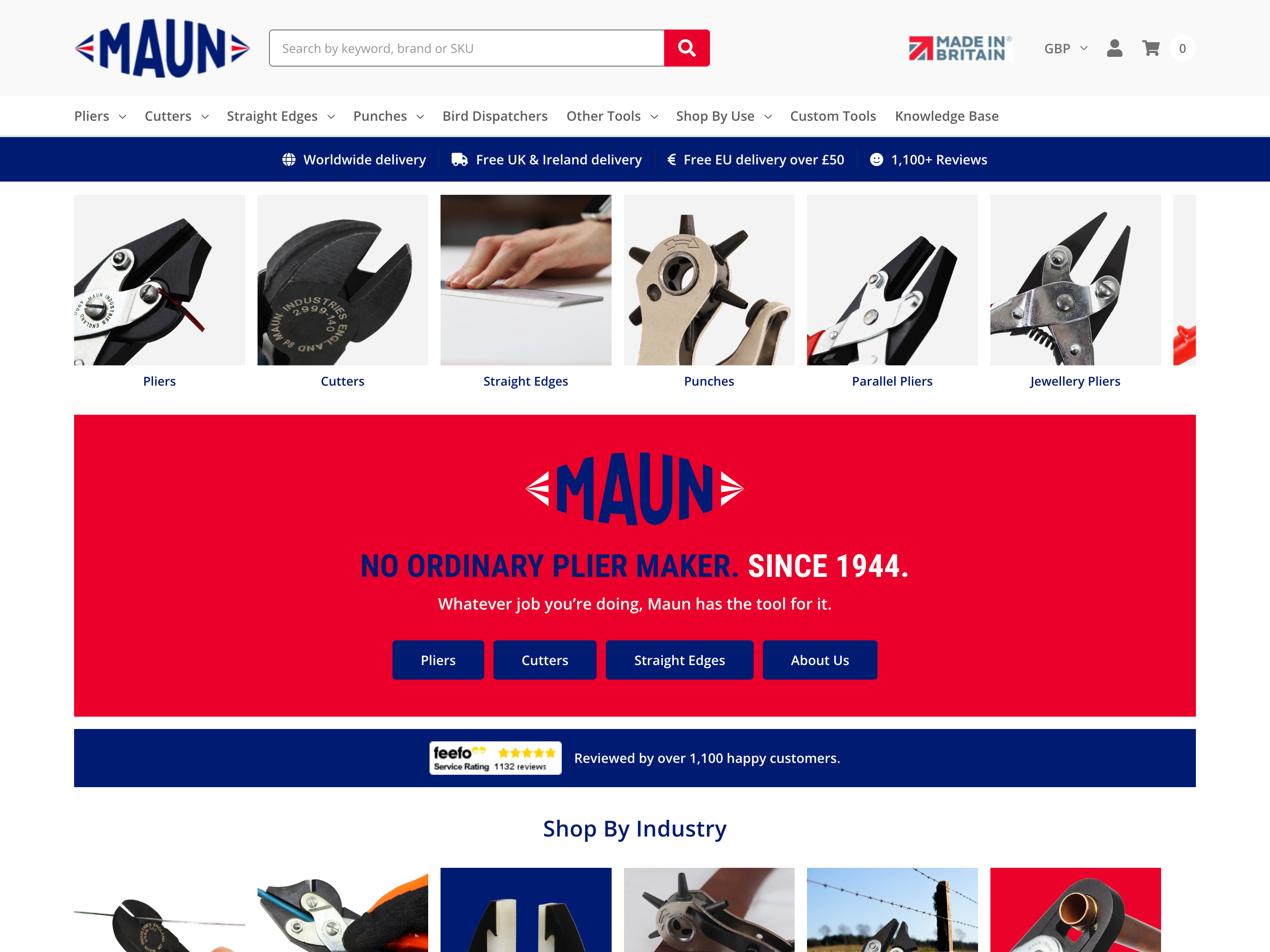
Maun Industries
Engineering & manufacturing
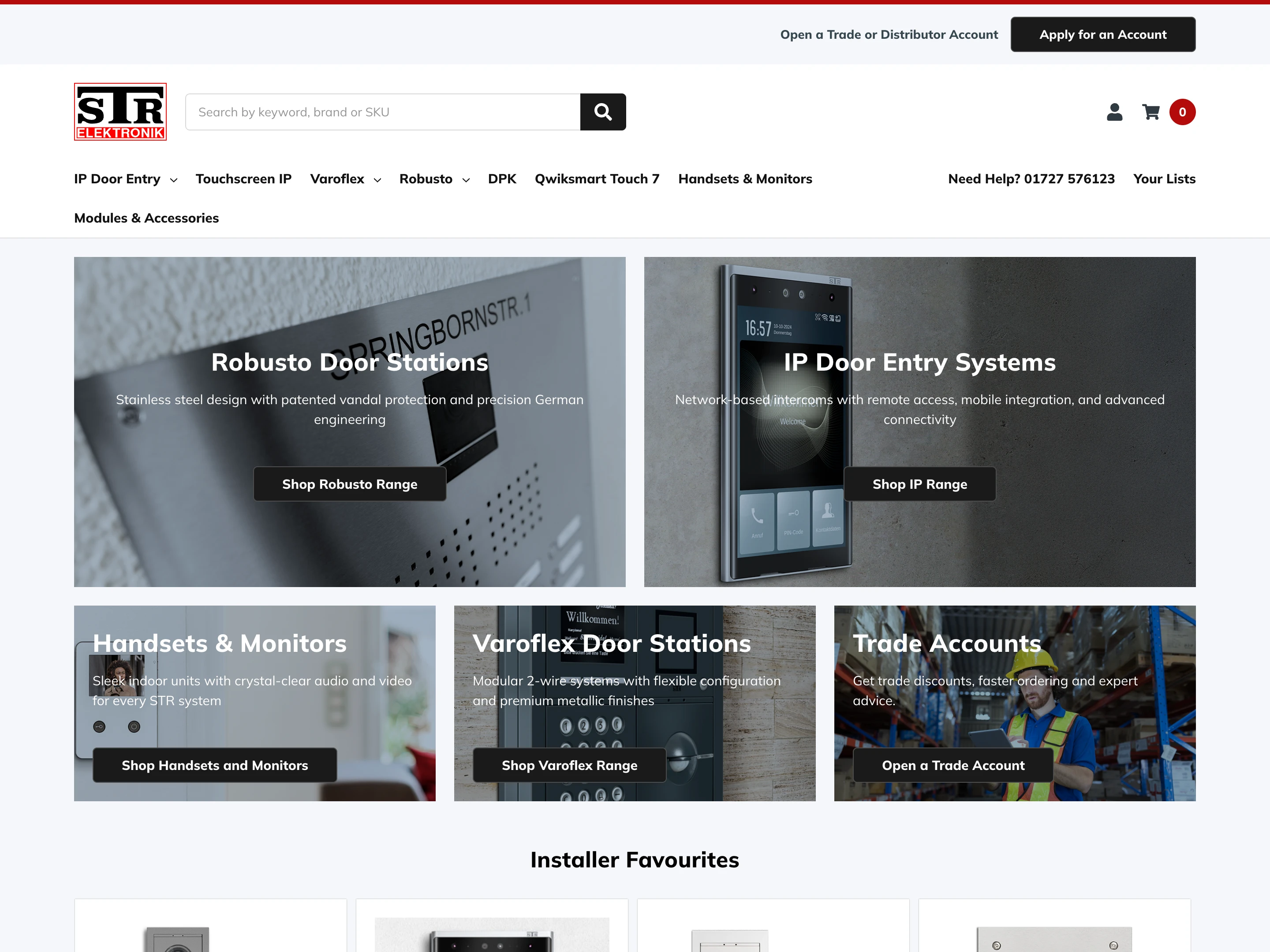
STR Elektronik
Security & access control
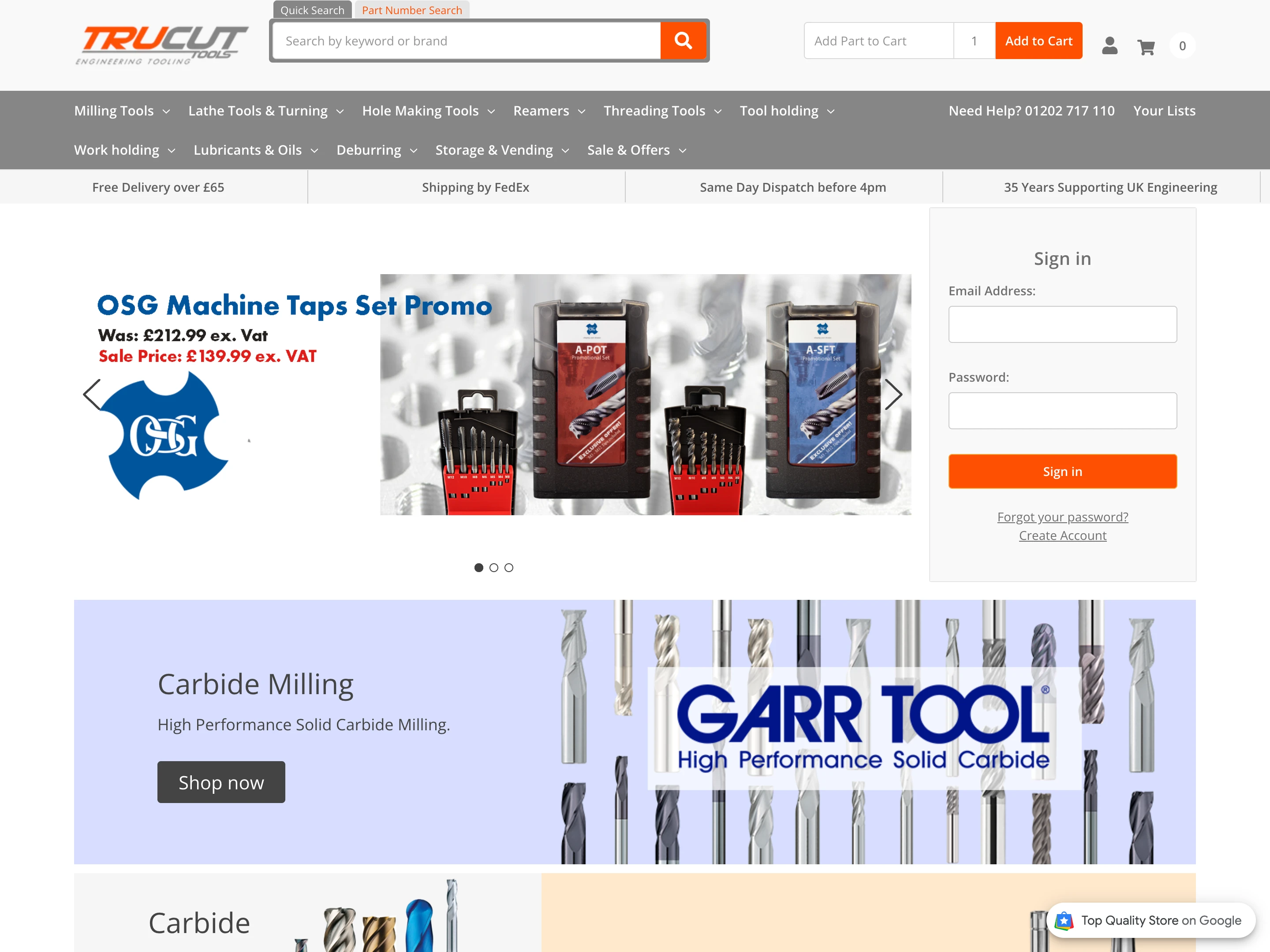
Trucut Tools
Industrial tooling
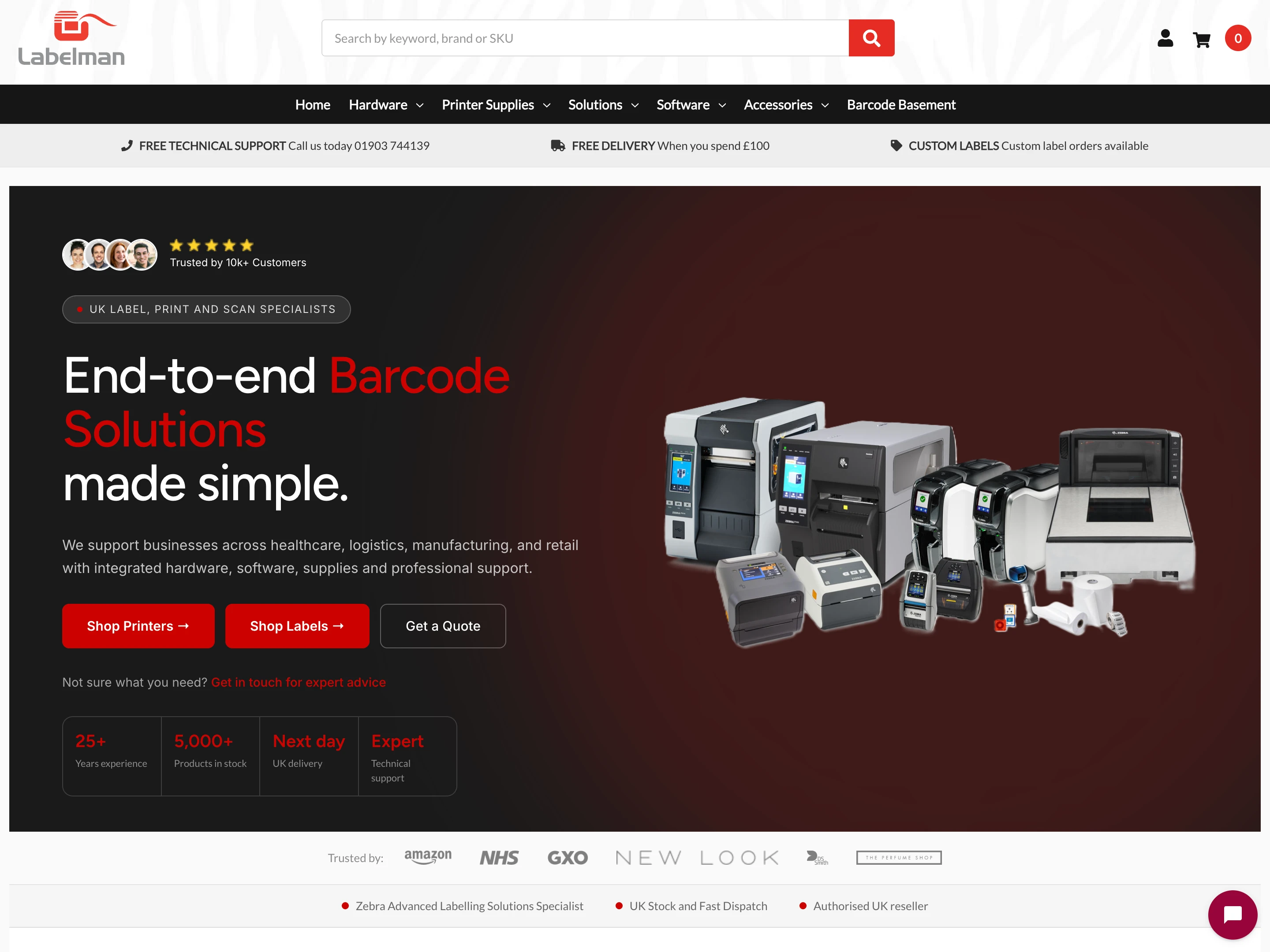
Labelman Ltd
Labelling & identification
Support
Included with every theme purchase
Free theme support
Get help configuring Camden, using theme features and resolving theme issues.
Documentation
Read the Camden documentation for setup guides, configuration options and feature instructions.
Register your theme
Register Camden to get enhanced support and make it easier for us to identify your theme and provide help.
Regular updates
Camden receives updates with new features, improvements and bug fixes.
FAQs
Is Camden compatible with BigCommerce B2B Edition?
Yes. Camden supports BigCommerce B2B Edition. It also includes B2B-focused features such as Quick Add by SKU, customer group controls and minimum order values.
Which stores is Camden best suited for?
Camden is designed for B2B stores, wholesalers and businesses with large product catalogues. It works well for stores that need fast ordering, advanced navigation and flexible purchasing options.
Can I customise Camden without code?
Yes. Colours, fonts, layouts and theme settings can be changed through the BigCommerce Theme Editor. Camden also supports Custom CSS and Page Builder regions for further customisation.
Can I preview Camden before purchasing?
Yes. BigCommerce store owners can preview Camden in Page Builder to explore the included styles, layouts and customisation options before purchasing.
More themes by Flair
Explore other BigCommerce themes.