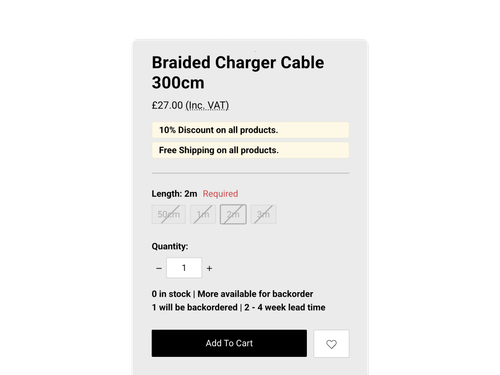
Portobello 1.7.0 is now available. This release introduces BigCommerce Backorders, featured promotion callouts and multiple coupon support.
We've also added two new product display settings and made a range of improvements to filtering, navigation and the newsletter popup.
BigCommerce Backorders
Portobello now supports BigCommerce Backorders, so customers can order products that are currently out of stock.
You can control how many units are available for backorder and provide an expected shipping date. Portobello displays this information on product and cart pages.
Customers can see:
-
Messages identifying backordered products
-
Backorder quantities and availability
-
Expected shipping information
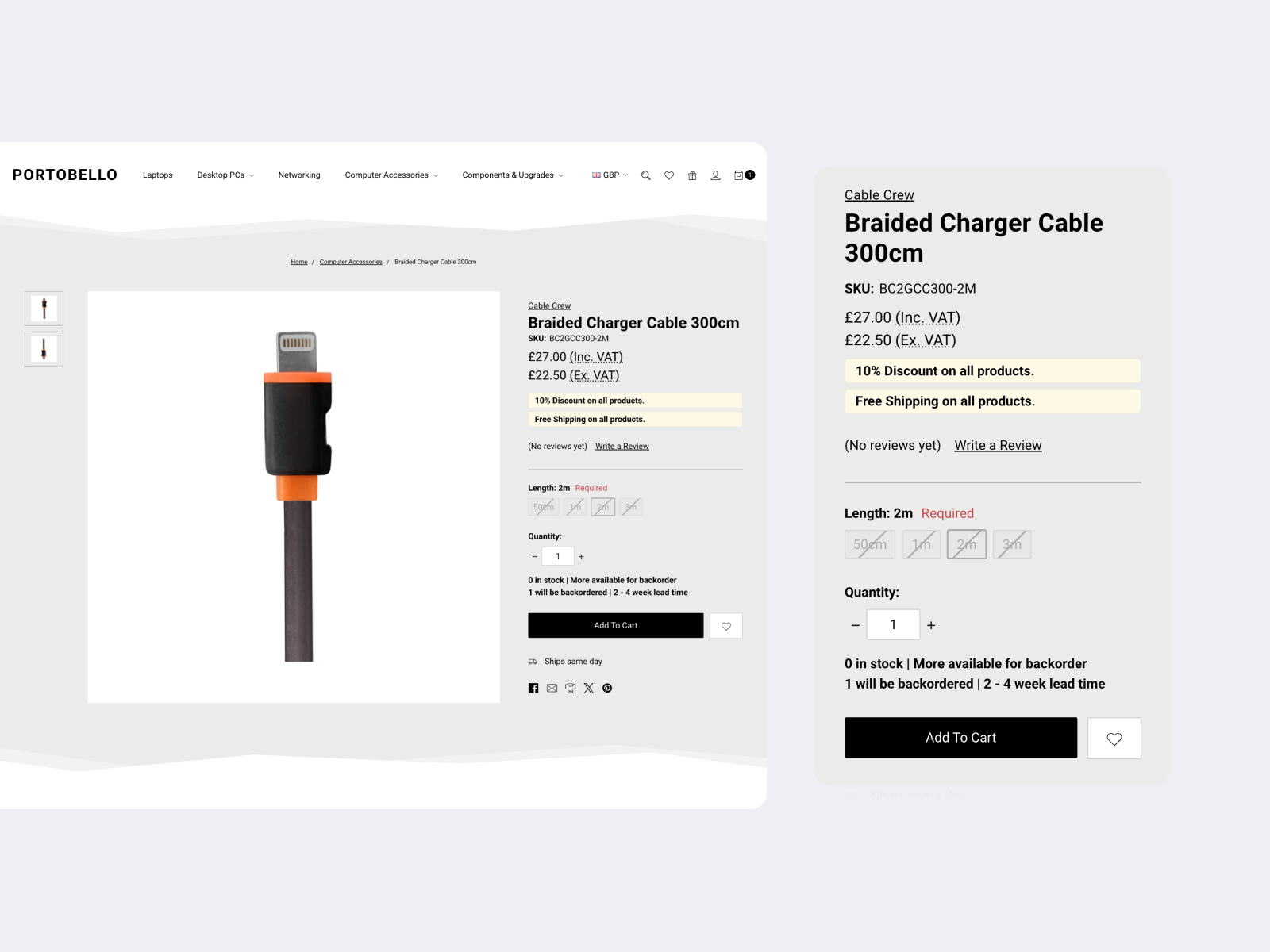
This makes it easier for customers to understand whether they can still order an out-of-stock product and when it is expected to ship.
For setup instructions, see the BigCommerce Backorders guide.
Highlight featured promotions
You can now display featured promotion callouts throughout your store.
Portobello supports these callouts on product listing pages and product pages. New theme settings let you control whether they're displayed and choose the colours used.
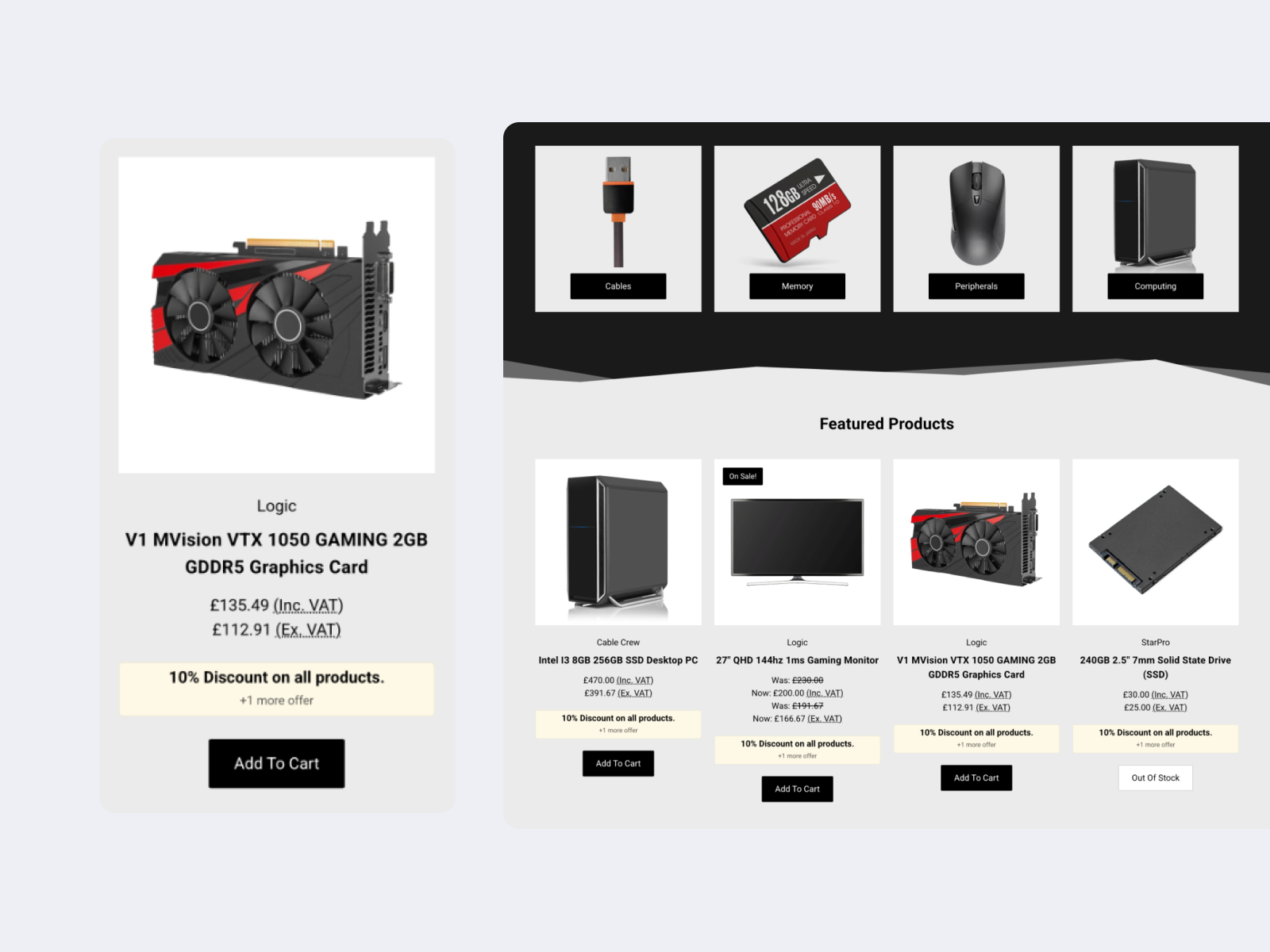
This provides a way to highlight promotions and make them easier for customers to spot while browsing.
For more information, see BigCommerce's guide to featuring promotions.
Multiple coupon support
The cart now includes a dedicated section for managing multiple coupon codes.
Customers can add or remove coupon codes without leaving the cart. We've also updated the cart totals to make it clearer how multiple discounts affect the order.
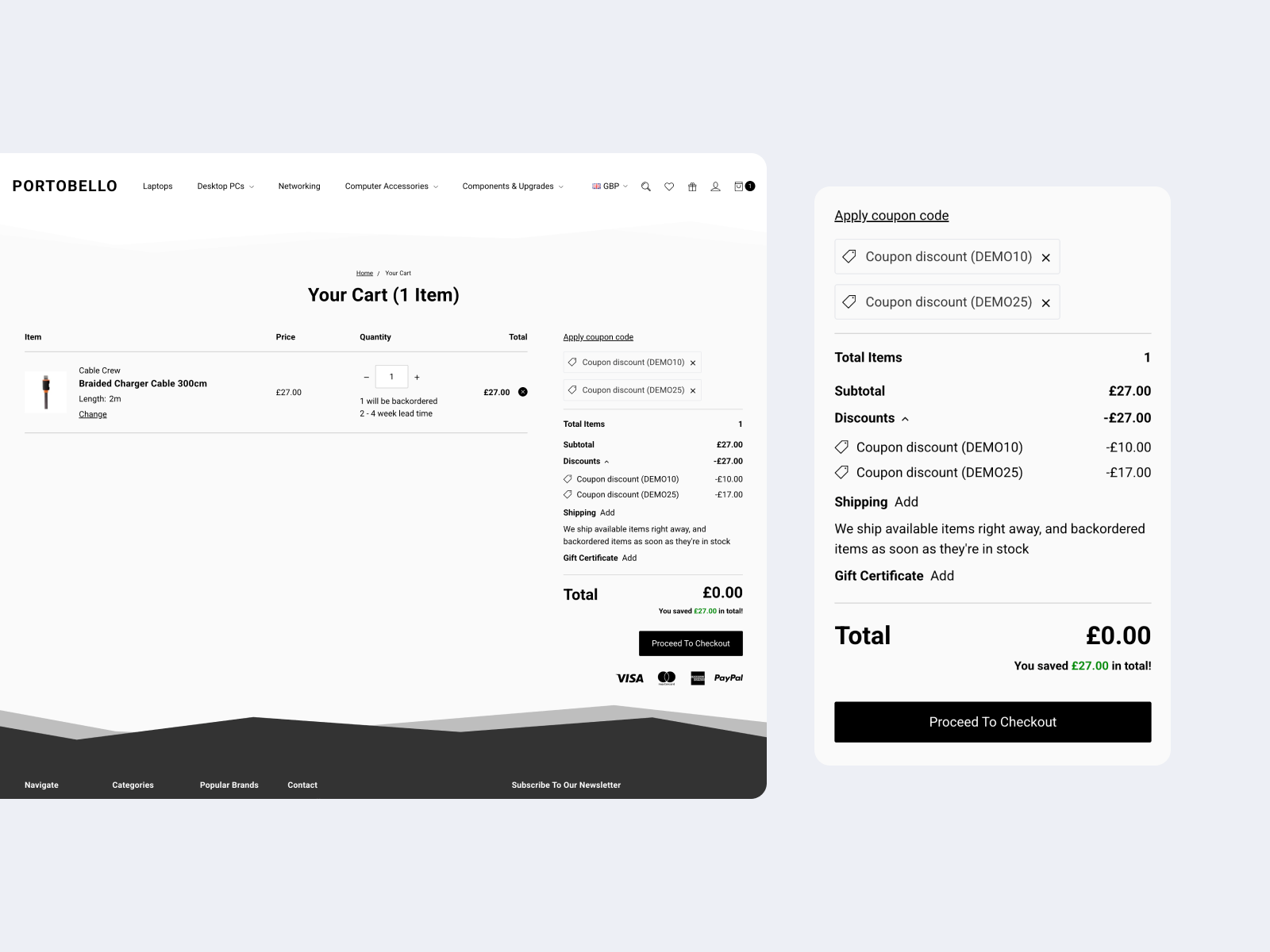
This works with BigCommerce's multi-coupon support for the cart and checkout.
Read more in BigCommerce's article on multi-coupon support.
New product display settings
This release adds two settings to give you more control over product displays.
-
Product columns on smaller screens: Choose between displaying products in one or two columns on smaller screens.
-
Title text transformation: Turn off automatic text transformation to preserve the original capitalisation of product titles.
Updates and fixes
We've also made several improvements and fixed issues affecting the store:
-
Improved product filtering, including price filters, product counts and pagination when filters are applied.
-
Fixed the "Load More" button so it respects active category filters.
-
Corrected infinite scroll pagination links so search engines can crawl category pages.
-
Fixed subcategory dropdowns on smaller screens.
-
Fixed newsletter popup forms not submitting correctly.
See the full Portobello changelog for all changes.
Updating Portobello
Portobello 1.7.0 is available now.
If you use an unmodified Portobello theme, you can update to the latest version from your BigCommerce control panel.
If you've customised your theme, those changes will need to be re-applied to a new copy of the updated theme.
If you'd like help with the process, our Modified Theme Update service can take care of the update for you.
Looking for a new theme? View Portobello to explore its features and see if it's right for your store.